Configure Extension
Register an Extension
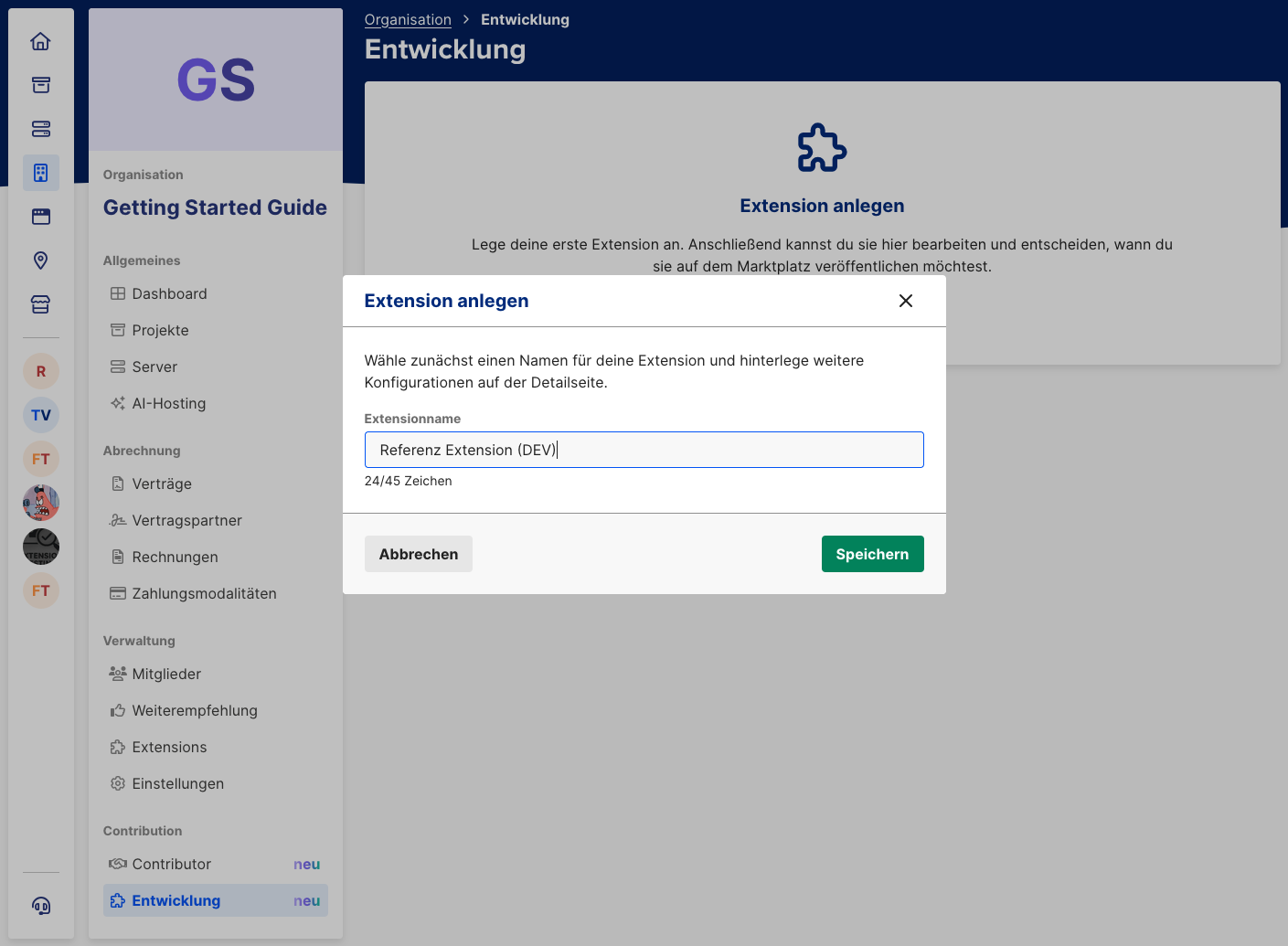
As soon as you are a Contributor, you can create an Extension in mStudio. In your organization, open tab "Entwicklung" and register a new Extension via the "Anlegen" button. At this point, you only enter a name. You can change it later at any time.
Extension names must be unique. For development and production use, it is recommended to create separate Extensions. For example, development Extensions can include "(DEV)" in the name.
Set the Extension Context
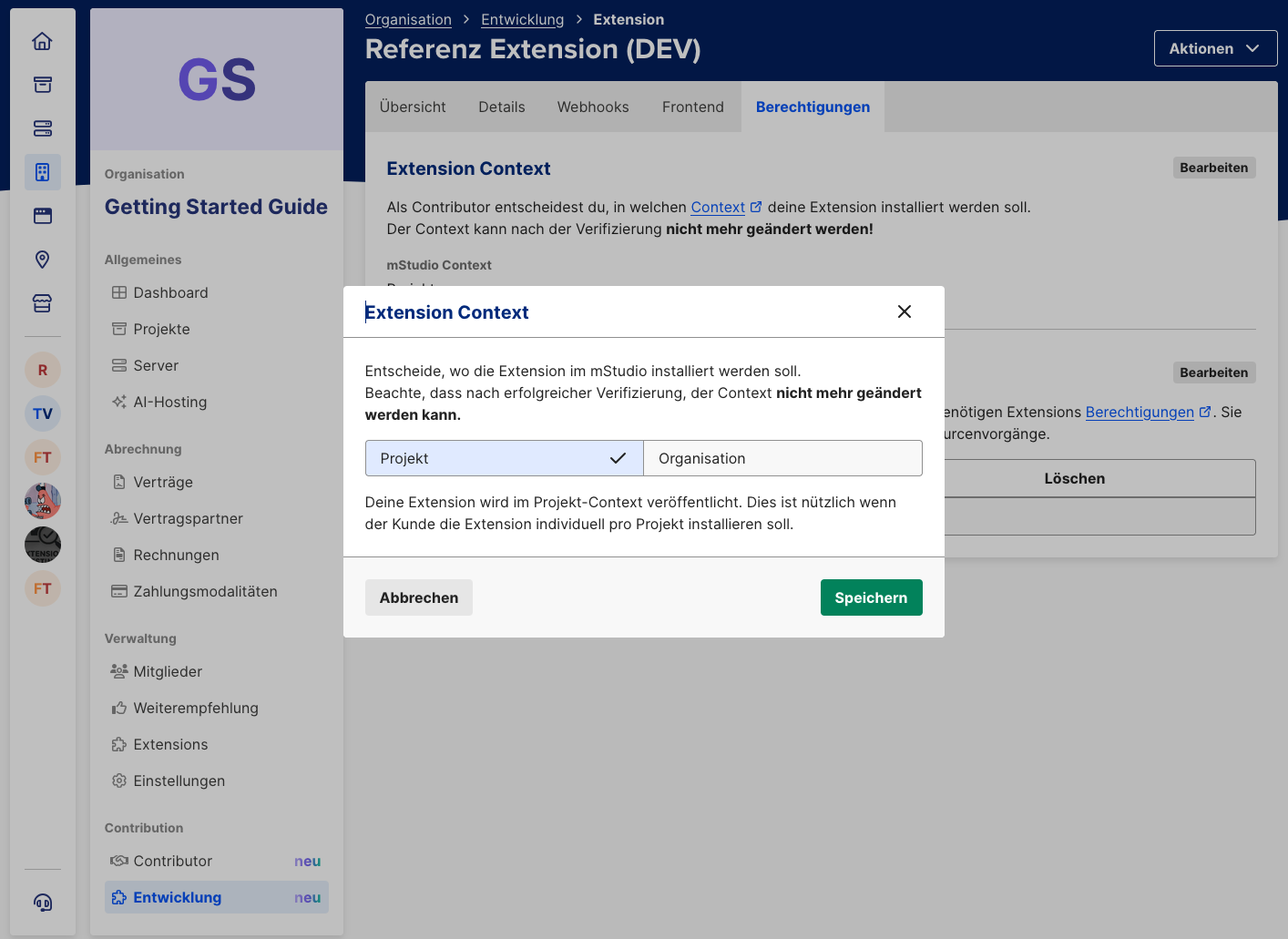
For every Extension, you must define in which context it should be installable. Available options are "Organisation" and "Projekt". The Reference Extension is built as a project Extension.
In tab "Berechtigungen", click "Bearbeiten" in the Extension Context section. Then choose "Projekt" and save.
Configure Permissions
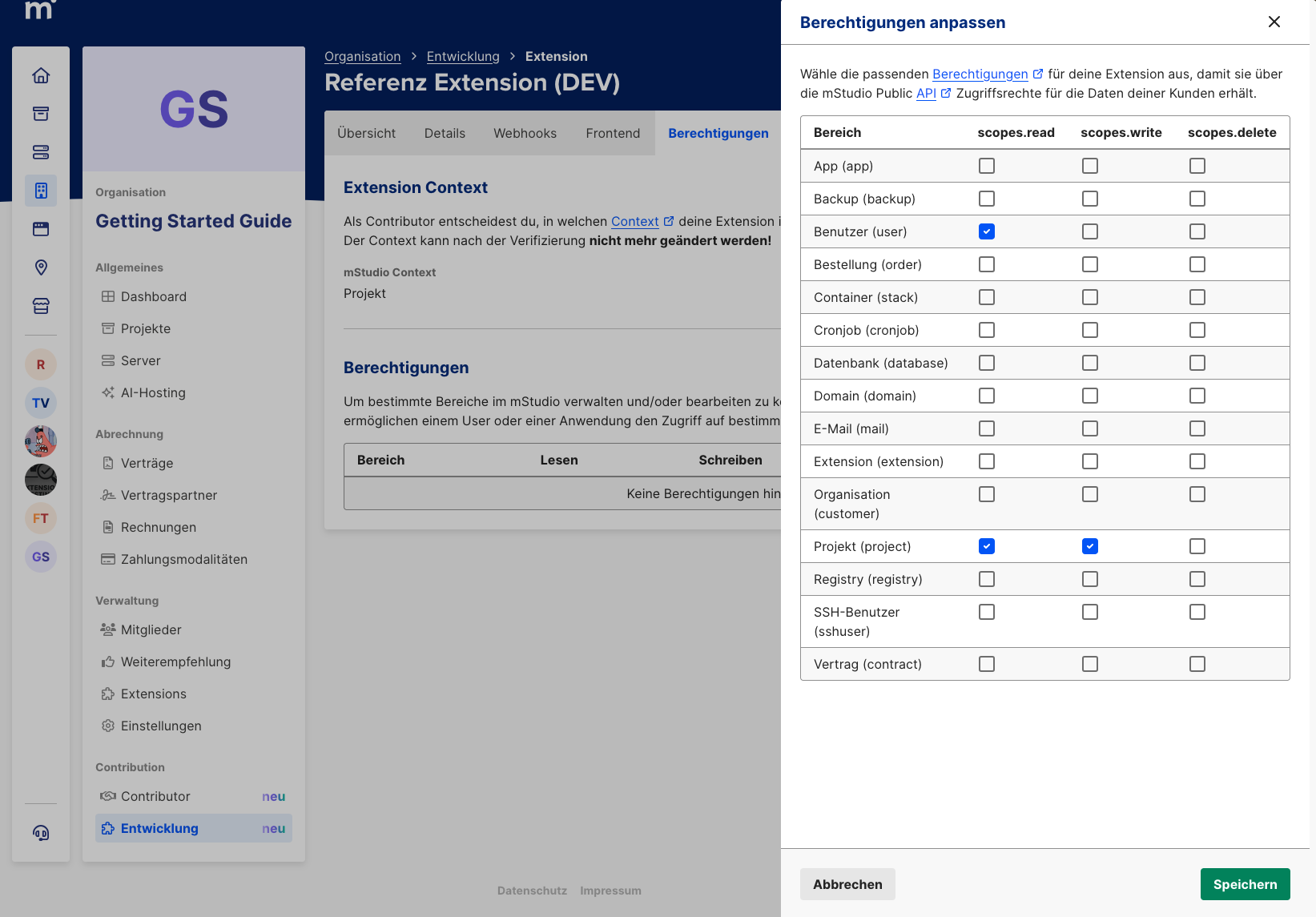
The Reference Extension retrieves information about the user and the project where it is installed. It also allows changing the project name. To do that, Extension permissions must be configured as Scopes. This is always required when Extensions access the mStudio API.
Like the Extension Context, configure permissions in tab "Berechtigungen". Click "Bearbeiten" in the corresponding section. Then enable "Projekt lesen", "Projekt schreiben", and "Benutzer lesen".
Generate Extension Secret
A secret is required to authenticate Frontend Fragments. This secret can be generated in tab "Berechtigungen", just like Extension Context and Scopes. After generation, the secret is shown only once. Store it in a safe place for configuring the Reference Extension.
Configure the Frontend URL
The Reference Extension uses a Frontend Fragment. That means it implements a frontend that integrates seamlessly into mStudio.
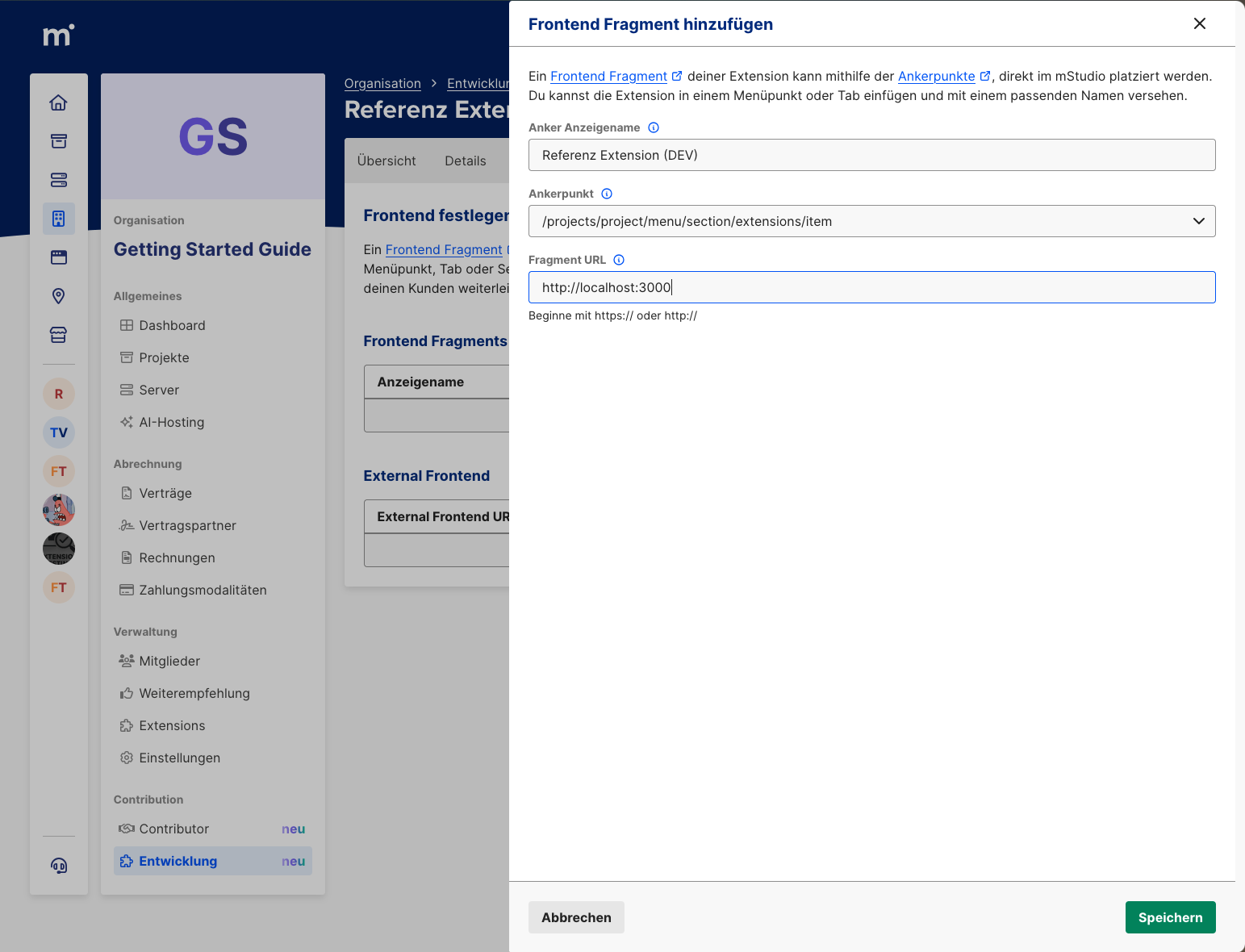
To set the Frontend Fragment URL for the Reference Extension, open tab "Frontend" of the Extension, then click "Hinzufügen" in the Frontend Fragments section.
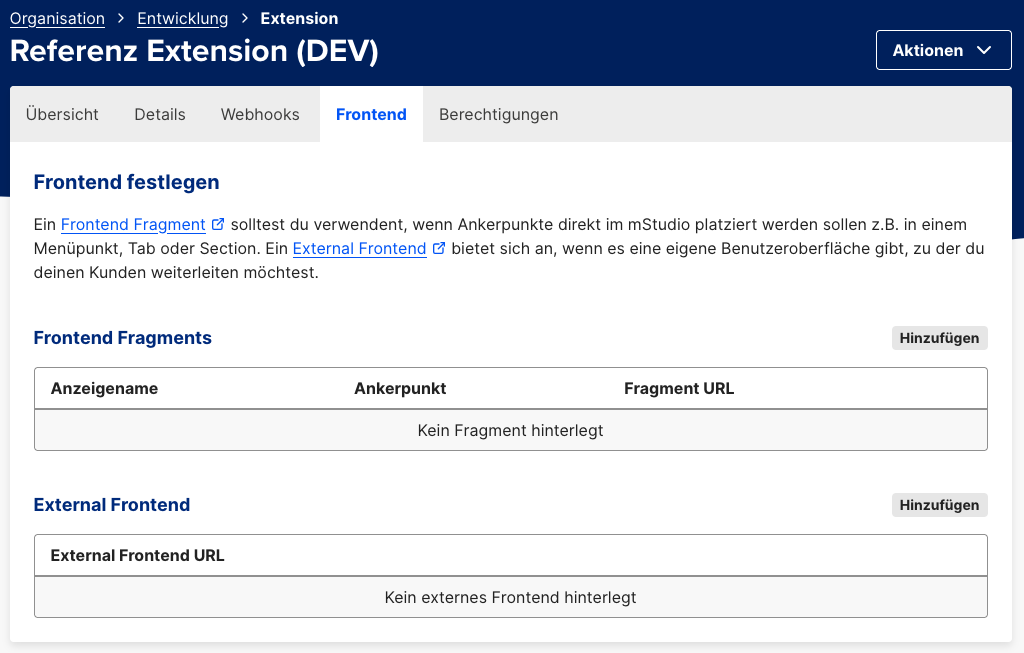
For a Frontend Fragment, you must choose an anchor point.
It determines where the Extension frontend is embedded.
The Reference Extension is built to be mounted at /projects/project/menu/section/extensions/item,
which means as a menu entry within a project.
You must also define a display name for the anchor point. For anchor points that behave like menu entries, this controls the menu label. For sections, this defines the section title.
Finally, you must provide a URL.
For an Extension currently in development, this can be a local address reachable from your machine.
Since the Reference Extension runs on port 3000 by default, enter http://localhost:3000.