Expose Extension
Why a Locally Running Extension Must Be Reachable
The Reference Extension attaches its own data (in this case comments) to the Extension Instance so that the data can be deleted safely and easily. For that to work, the Extension must know about existing Extension Instances. Extensions can be informed about added, updated, or removed Extension Instances via lifecycle webhooks. Because these webhooks are called by the mStudio backend, your Extension API must be publicly reachable.
In principle, any tunneling technique can be used to make the API publicly reachable. If you already use tools like ngrok or Cloudflare Tunnel, you can skip the following setup and use those tools instead.
We recommend zrok as a free open-source option.
Set Up zrok
zrok is an open-source alternative to ngrok that can be used both self-hosted and as a SaaS solution. For simplicity, this guide uses the SaaS solution, which is free. Our goal is to create a stable URL that does not change when the tunnel is restarted.
Create a zrok Account
To use zrok SaaS, register at myzrok.io.
Register the Device in Your Environment
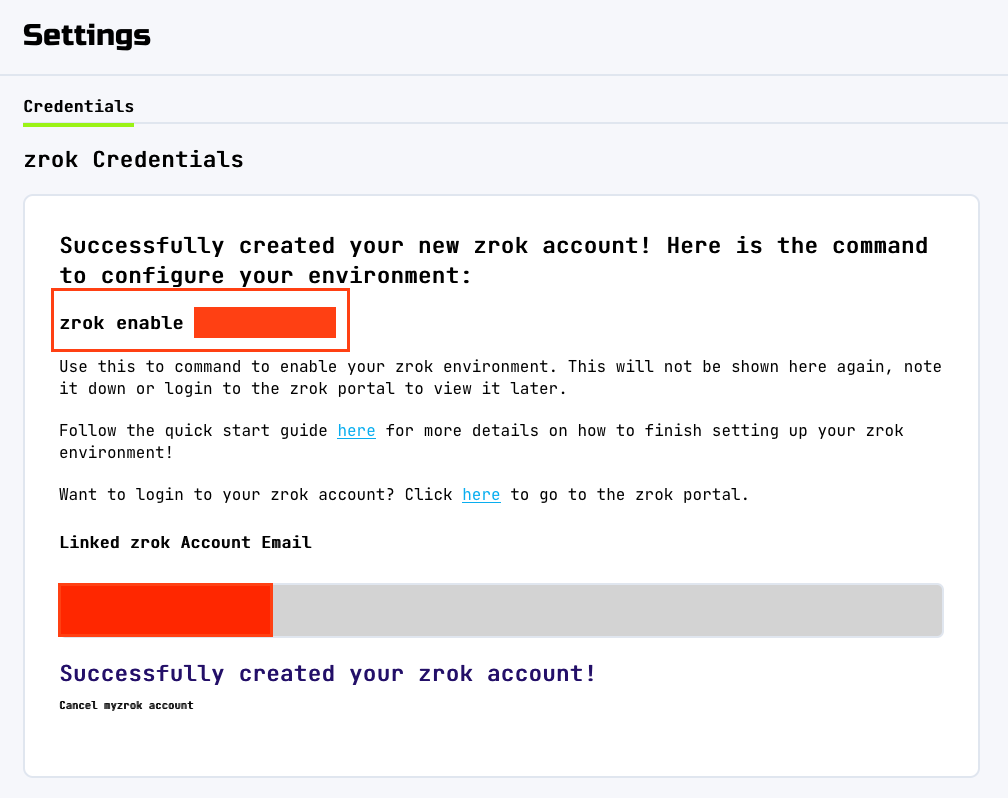
Right after registration, zrok shows a command to enable your client in the environment. Run this command on your local machine.
zrok enable <your-token>
Create a Reserved Share
To get a stable URL, reserve one first. Use the following command:
zrok reserve public 3000
This creates a stable URL such as https://<token>.share.zrok.io that points to http://localhost:3000.
Depending on your system, you may need to run this operation with root privileges.
On macOS in particular, this may be required
so zrok can store the certificate in the trusted root certificate store.
If you run into issues, execute the command with sudo:
sudo zrok reserve public 3000
Add Token to .env
The Reference Extension provides a package script for starting the tunnel easily.
For this to work, add the token to your .env.
ZROK_RESERVED_TOKEN=<token>
Start the Tunnel
pnpm run dev:expose
Your Extension is now publicly reachable at https://<token>.share.zrok.io.
Configure Webhook URL
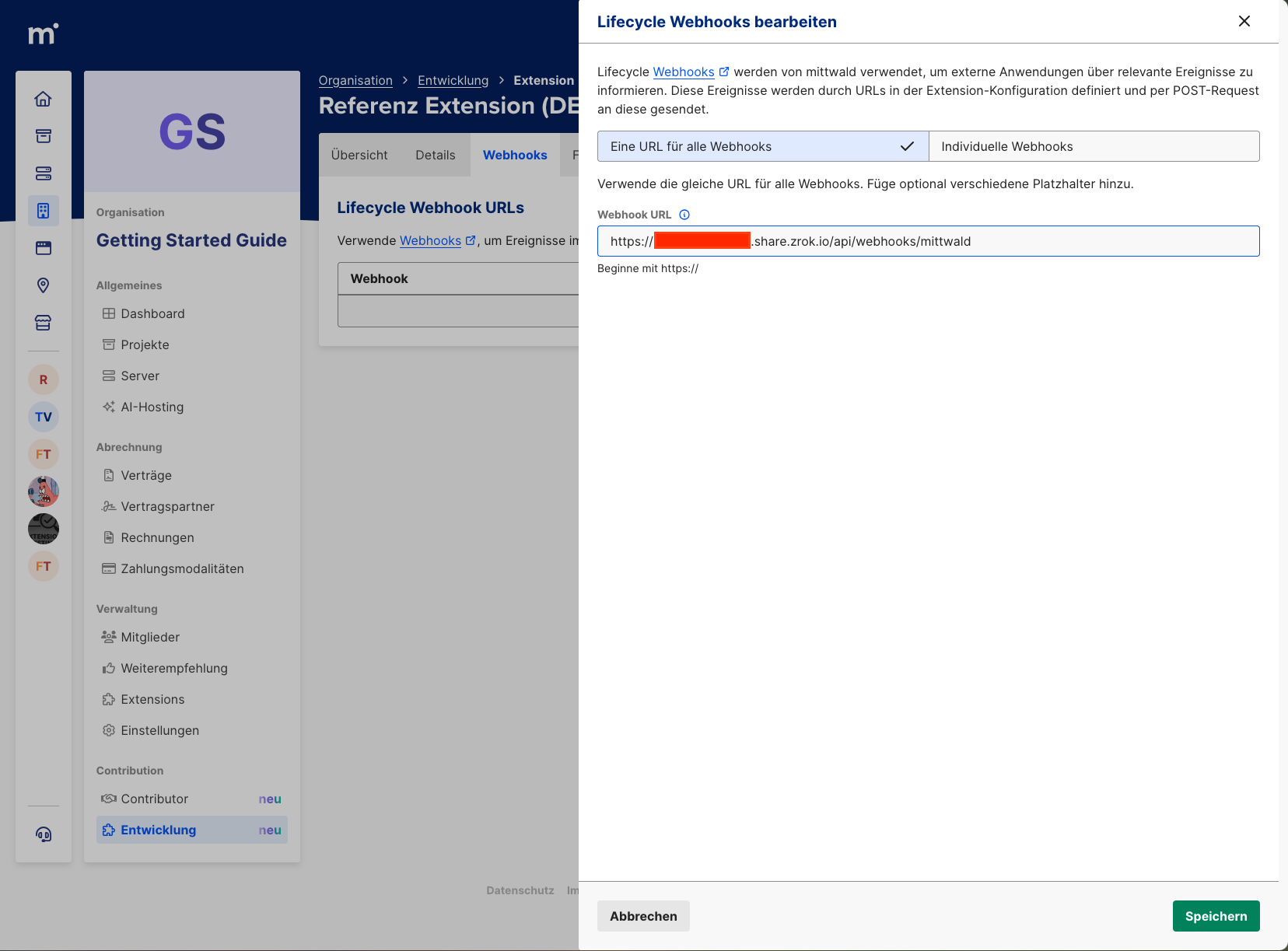
In tab "Webhooks" of your Extension, you can now enter the URL.
The Reference Extension uses /api/webhooks/mittwald for all webhooks.
So the full URL is https://<token>.share.zrok.io/api/webhooks/mittwald.